
Keeping Your Login Details Safe
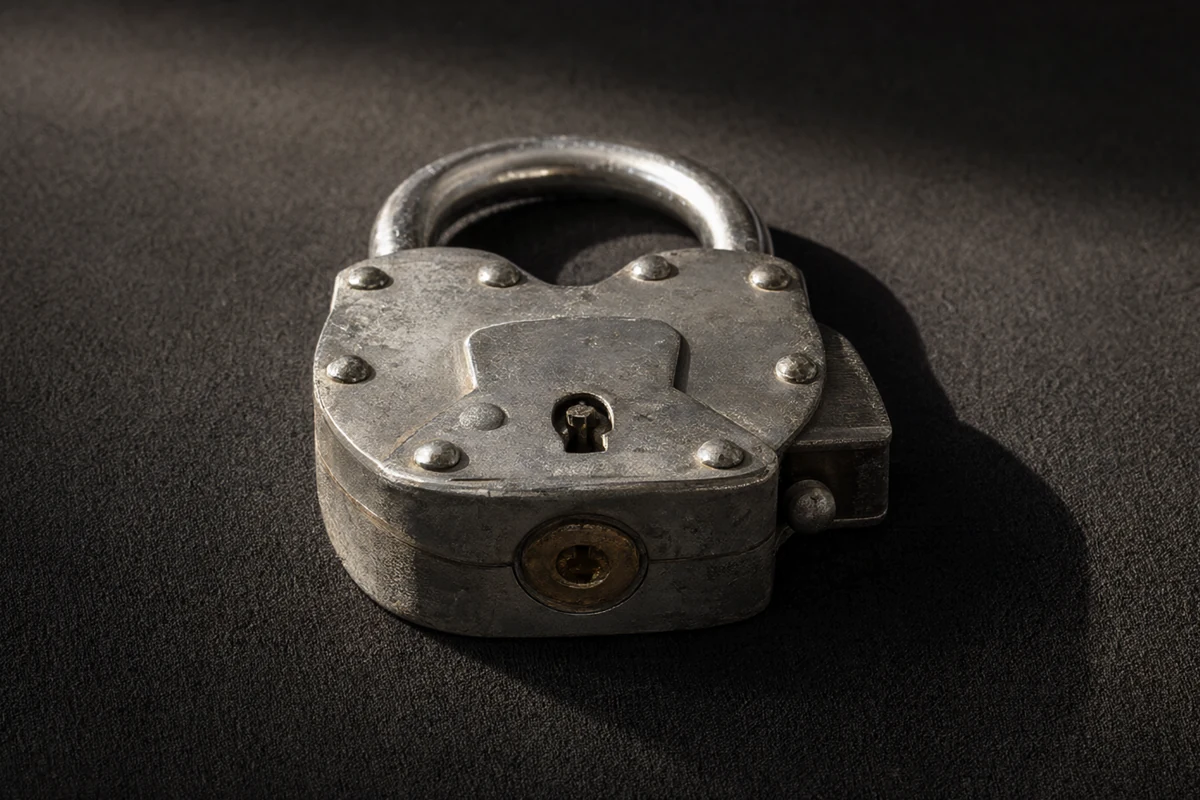
Account security advice is often a list of instructions without any sense of proportion. Not all of them matter equally. A handful of habits remove almost all of the realistic risk, while many of the others are the equivalent of locking a window in a house with the front door open. This guide sorts the two apart.
The aim is not to make you anxious about signing in. It is to make the routine so automatic that you stop thinking about it, because security that depends on daily vigilance is security that eventually lapses. Good habits are the ones that survive a busy week.
The password habit that matters most
One habit removes the largest share of risk: using a long, unique passphrase for the account and nowhere else. Length defeats guessing, uniqueness defeats the enormous databases of leaked credentials, and neither requires special software or technical knowledge. Everything else is a refinement on this single decision.
A login screen is a doorway, not a room. Everything that matters - your balance, your limits, your history - sits behind it, which is exactly why the doorway deserves more attention than it usually receives. Treating sign-in as a formality is how people end up reusing a weak password on an account that handles money.
Devices as doors into the account
Every device with an active session is a door, and each door has its own lock quality. A handset with a screen lock, kept up to date, is a reasonable place to stay signed in. An old tablet in a drawer with no passcode is not. Deciding which devices hold sessions is part of the security picture, not an afterthought.
The credentials you use are the weakest point in any account, because they are the only part an attacker can guess. A long passphrase that you do not use anywhere else defeats more attacks than any security feature the provider adds, and it costs nothing except the effort of choosing it once and remembering it properly.
- Choose one long passphrase and use it only for this account.
- Decide deliberately which devices stay signed in.
- Prefer mobile data for anything involving money.
- Judge messages by their address and urgency, not their spelling.
- Review recovery details about once a year.
Networks and where you sign in
Where you sign in matters as much as how. On a network you control, the risk is mostly about your own device. On open wireless in a hotel or a cafe, the risk extends to whoever shares the network. Using mobile data for anything that touches money is a small inconvenience with a clear benefit.
Public networks change the question. On a shared connection you cannot see who else is listening, and an unprotected wireless network is a place where ordinary traffic can be read. A mobile connection or a network you control is a better place to sign in than the free option offered by the venue you happen to be in.
Recognising phishing messages
Phishing has become convincing, and the reliable signals are no longer the typos. Look instead at the address in the bar, at whether the message asked you to hurry, and at whether it wanted your credentials at all. A genuine provider does not need your password by email, and pressure to act quickly is the most durable sign of a trap.
Devices accumulate sessions. A phone replaced last year, a tablet in a drawer, a work laptop that has since been handed back - each may still hold an active session on your account. Reviewing and revoking those sessions periodically closes doors you had forgotten were open at all.
| Habit | Effort | What it prevents |
|---|---|---|
| Unique passphrase | Once, then memory | Reuse of leaked credentials |
| Limited sessions | Occasional review | Accounts left open on old devices |
| Careful networks | Awareness each time | Traffic read by strangers |
Keeping recovery details current
Recovery details are the plan you will need exactly once, at the worst possible moment. A phone number that has been reassigned, an address you no longer read or an answer anyone could guess will all fail when tested. Reviewing them once a year is a two-minute task that protects something that matters a great deal.
Support conversations are a favourite target of fraud, because support staff are expected to be helpful. A genuine team never needs your full password, your card number or a code sent to your phone. Anyone who asks for those things is not helping you, however convincing their message looks.
What to do after a compromise
If you suspect a compromise, act before investigating. Change the password from a device you trust, revoke other sessions, check the account history for anything unfamiliar and contact the provider through a channel you looked up yourself. Then take your time working out what happened, because the urgent part is already done.
Session expiry is a feature rather than an annoyance. Being signed out after a period of inactivity limits the damage if a device is lost or borrowed, and it is worth understanding how long the provider allows before you decide to tick a box that keeps you signed in indefinitely.
Security is mostly a small number of decisions taken once and then left alone. A unique passphrase, a short list of trusted devices and a habit of reading addresses before trusting them cover the realistic threats. None of it alters an outcome, and none of it replaces limits you set for yourself. This guide is informational, written for adults aged 18 and over, and it takes no deposits and pays no winnings.
Read next
Login: How Account Access Works
From the sign-in screen to a working session, and the parts of the process that matter.
Password Reset and Recovery Explained
What a reset really changes, how recovery questions work and how to avoid lockouts.
Two-Step Verification for a Betting Account
What the second factor adds, where the codes come from and the usual mistakes.